From first look to
construction readiness.
The governed operating system for pre-construction: connect site research, development options, approvals, evidence, and authorized work in one accountable project record.A governed pre-construction operating system, from site research through construction readiness.
Slide 1 of 3
For developers, owners, and the teams getting projects ready to build.
- Acquisition and investment
- Development management
- Architecture and engineering
- Construction management and contracting
- Legal and specialist consultants
Current product interface
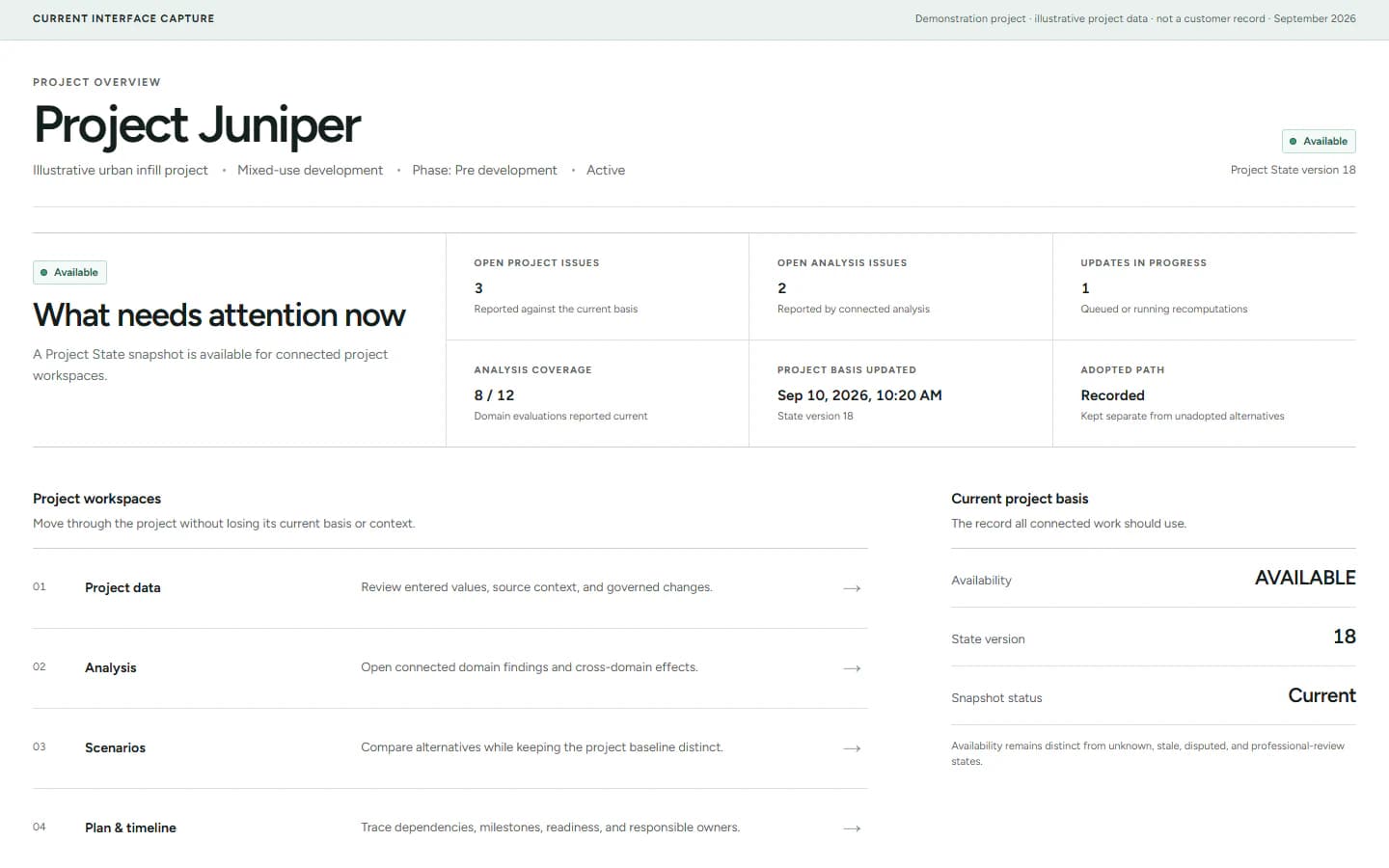
See what needs attention across the project.
Open one project workspace to review current analyses, unresolved issues, work in progress, and the project basis the rest of the team should use.
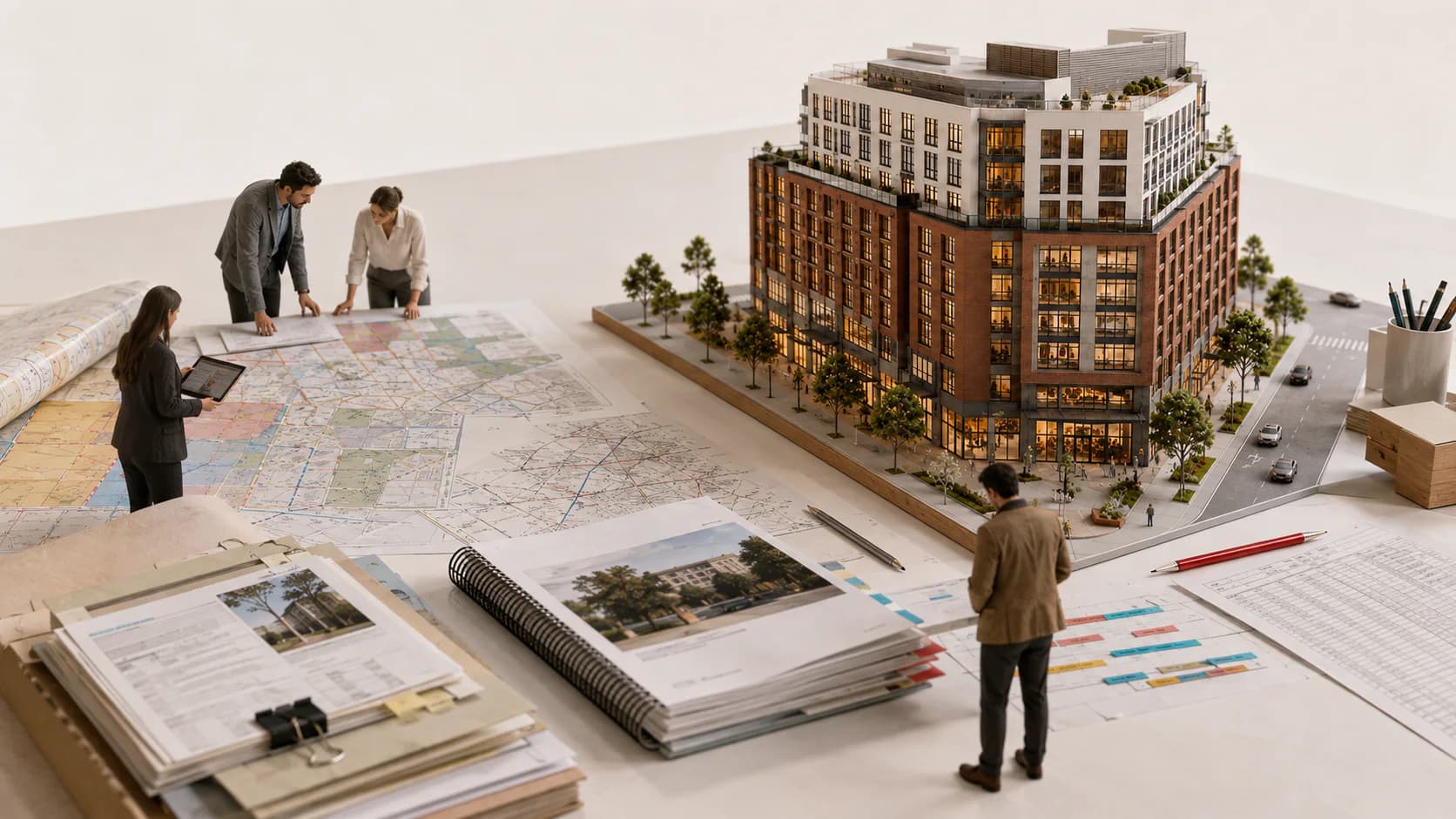
Too much time goes into finding answers and chasing updates.
Project details live across emails, reports, plans, spreadsheets, and agency portals. Your team has to piece them together while decisions, requirements, and deadlines keep changing.
Information is scattered.
Finding the latest plan, a confirmed requirement, or the reasoning behind an estimate becomes another task.
Busywork keeps piling up.
Filling forms, requesting documents, chasing updates, and rebuilding schedules take time away from moving the project forward.
Problems surface after money is spent.
A late discovery can mean redesign, a higher budget, or a delayed construction start.
One system for the work from first review to construction readiness.
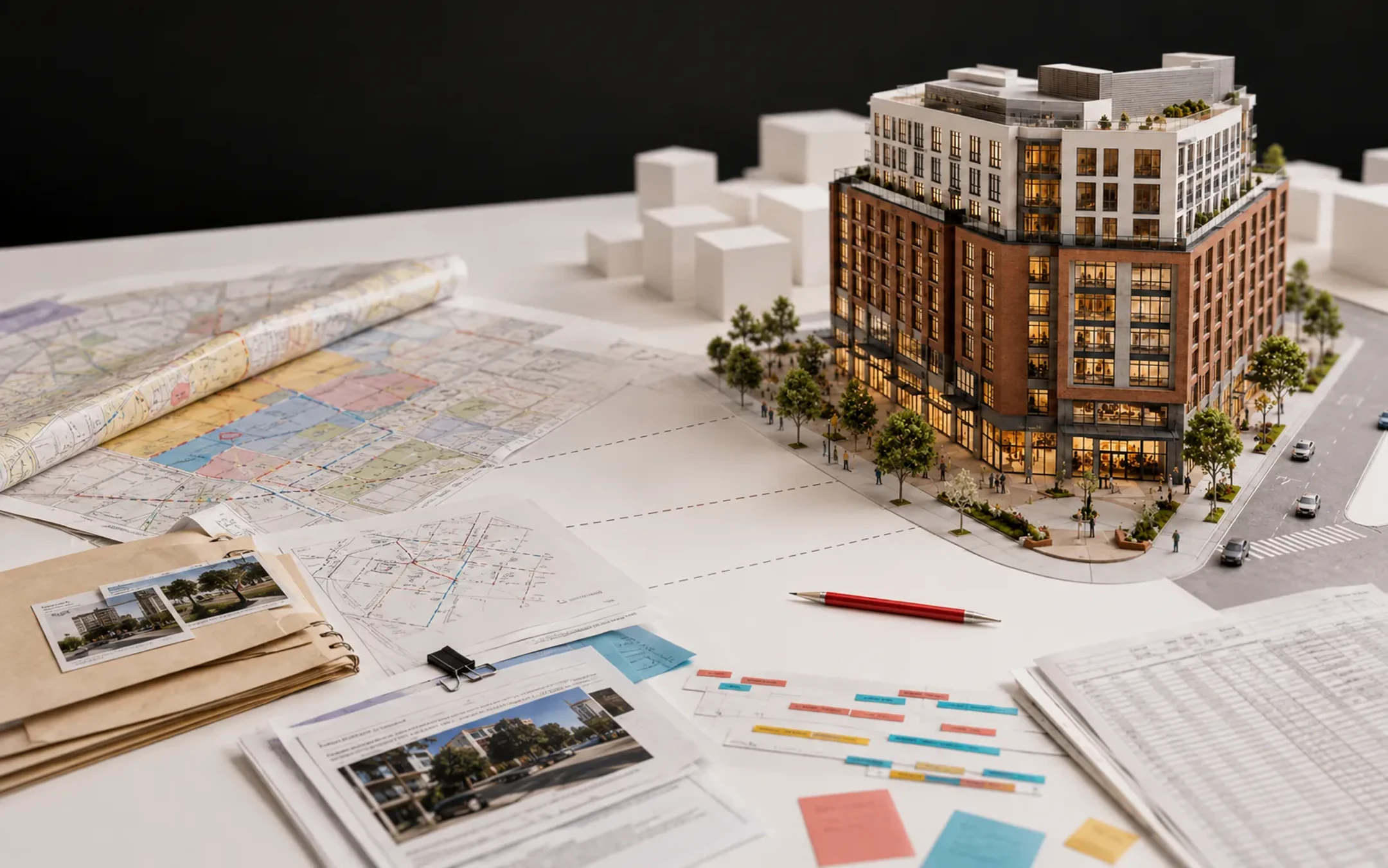
Bring site research, project analysis, documents, and deadlines together. Use current project information to recommend next steps and advance approved work through supported, traceable workflows.
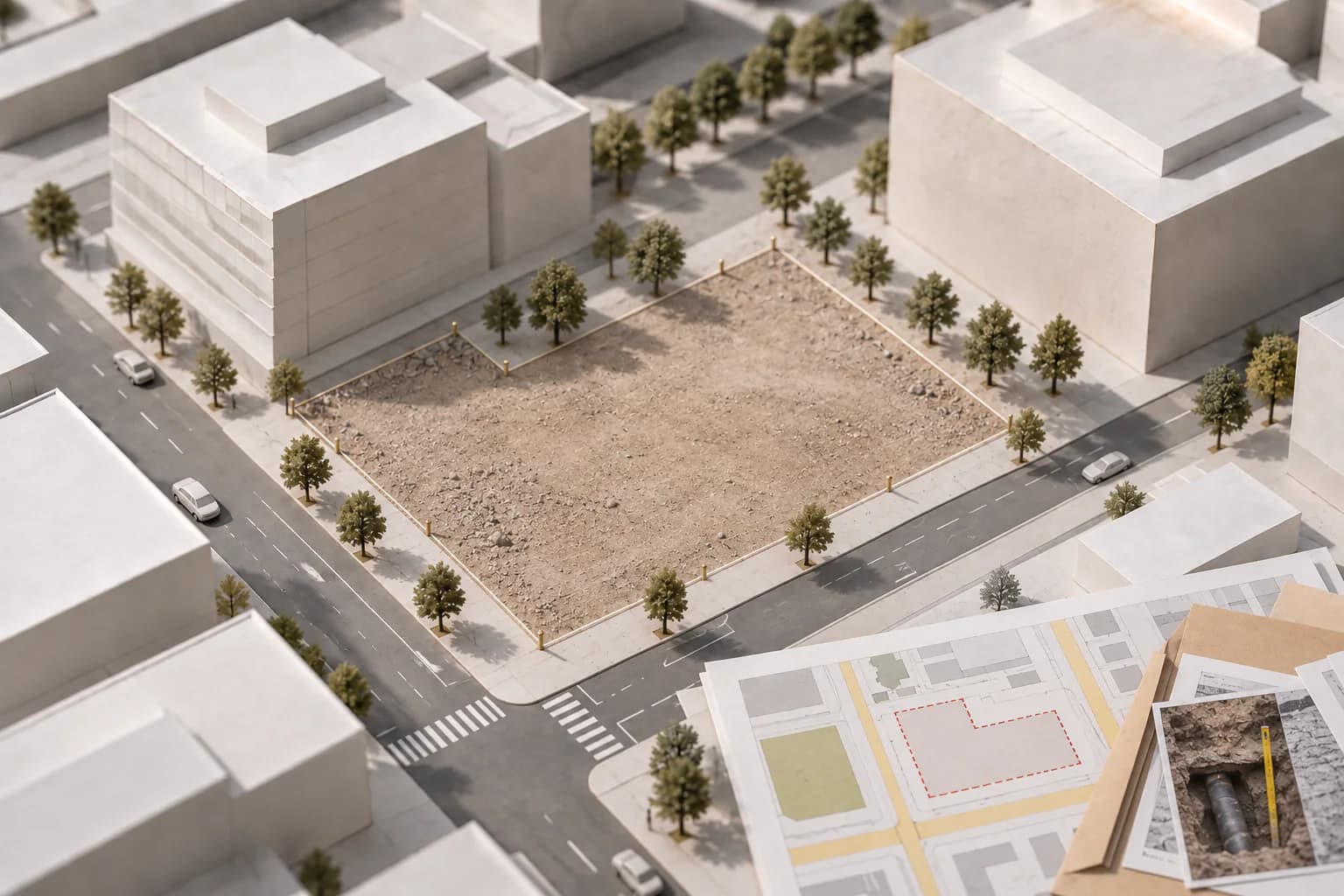
Evaluate the site
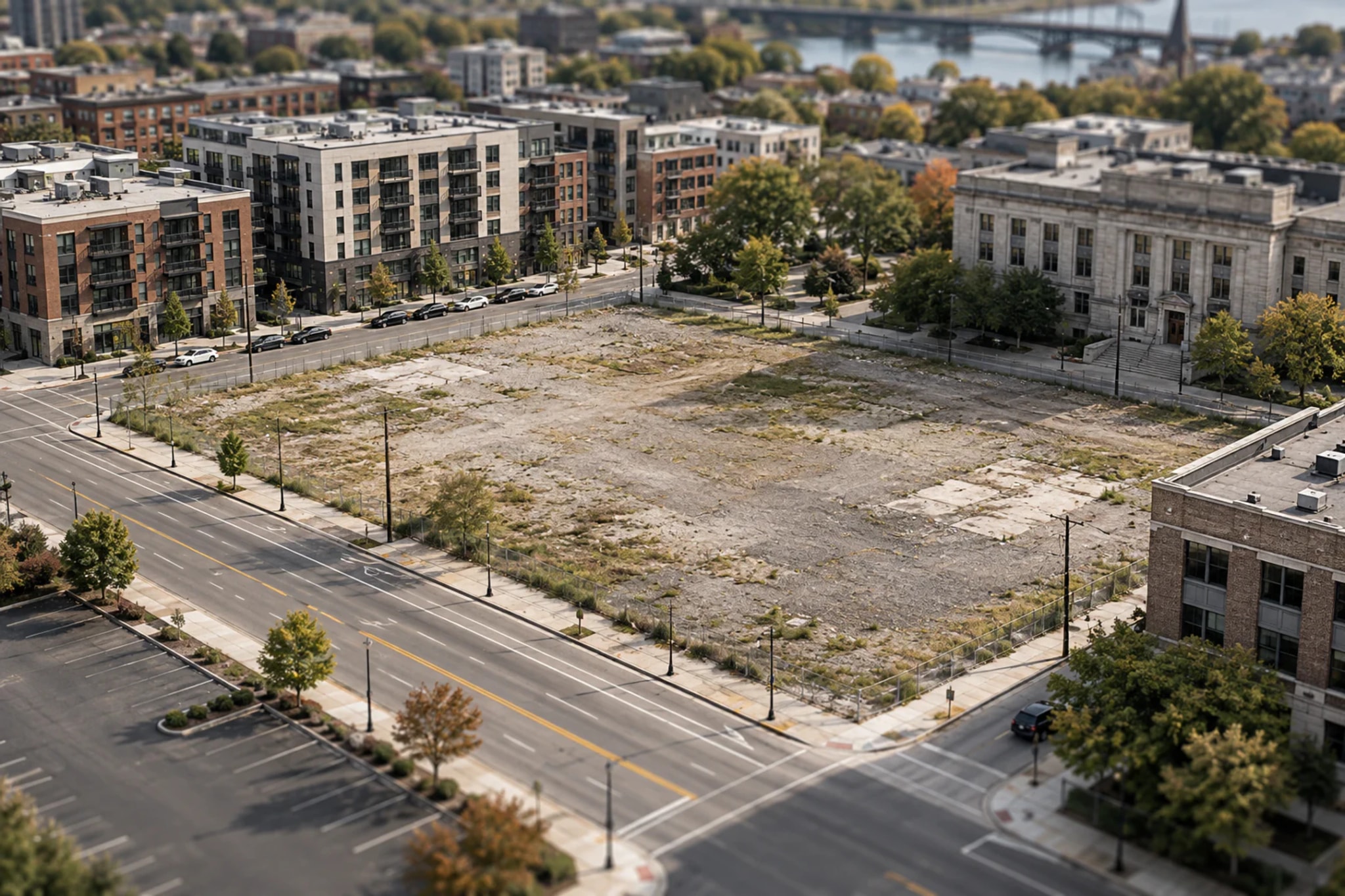
Research zoning, access, utilities, environmental conditions, and market context.
Flag issues before committing more time or money.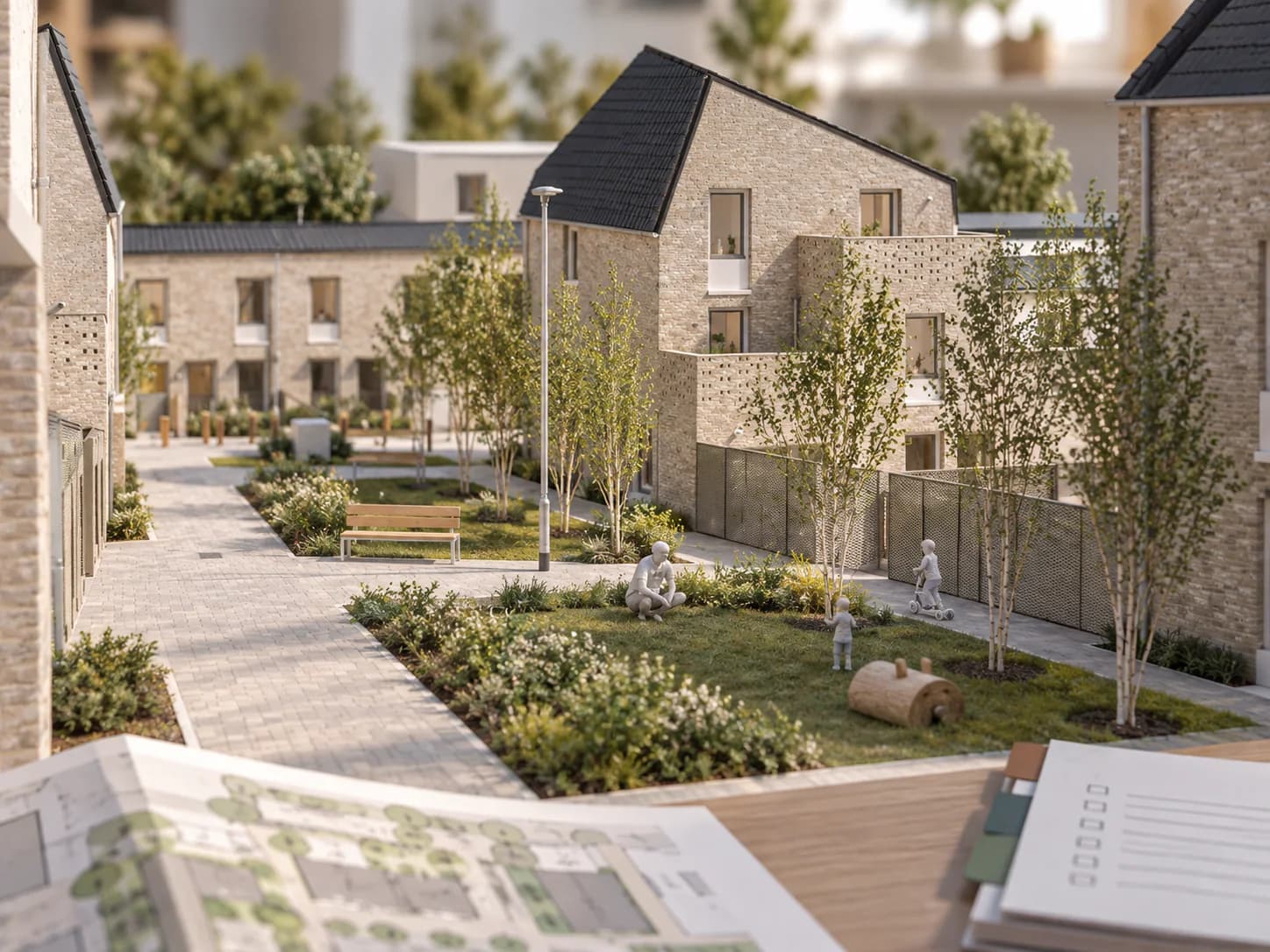
Work out what is feasible
Test what the site can support, what the required work could cost, and whether the project meets your financial goals.
Know whether the development plan works before advancing it.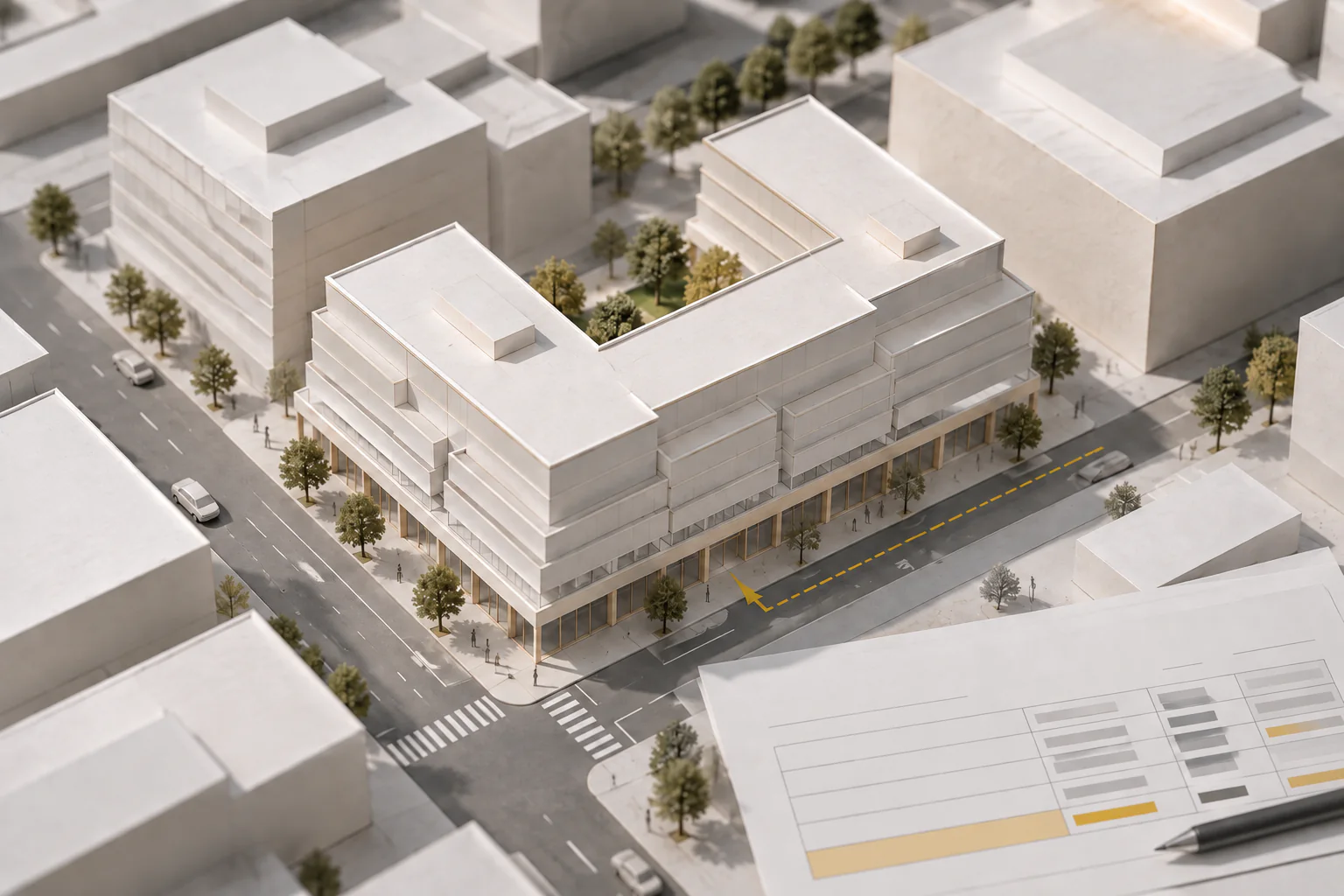
Compare development options
Explore changes in use, size, design, and phasing.
See the effect on cost, returns, approvals, and timing.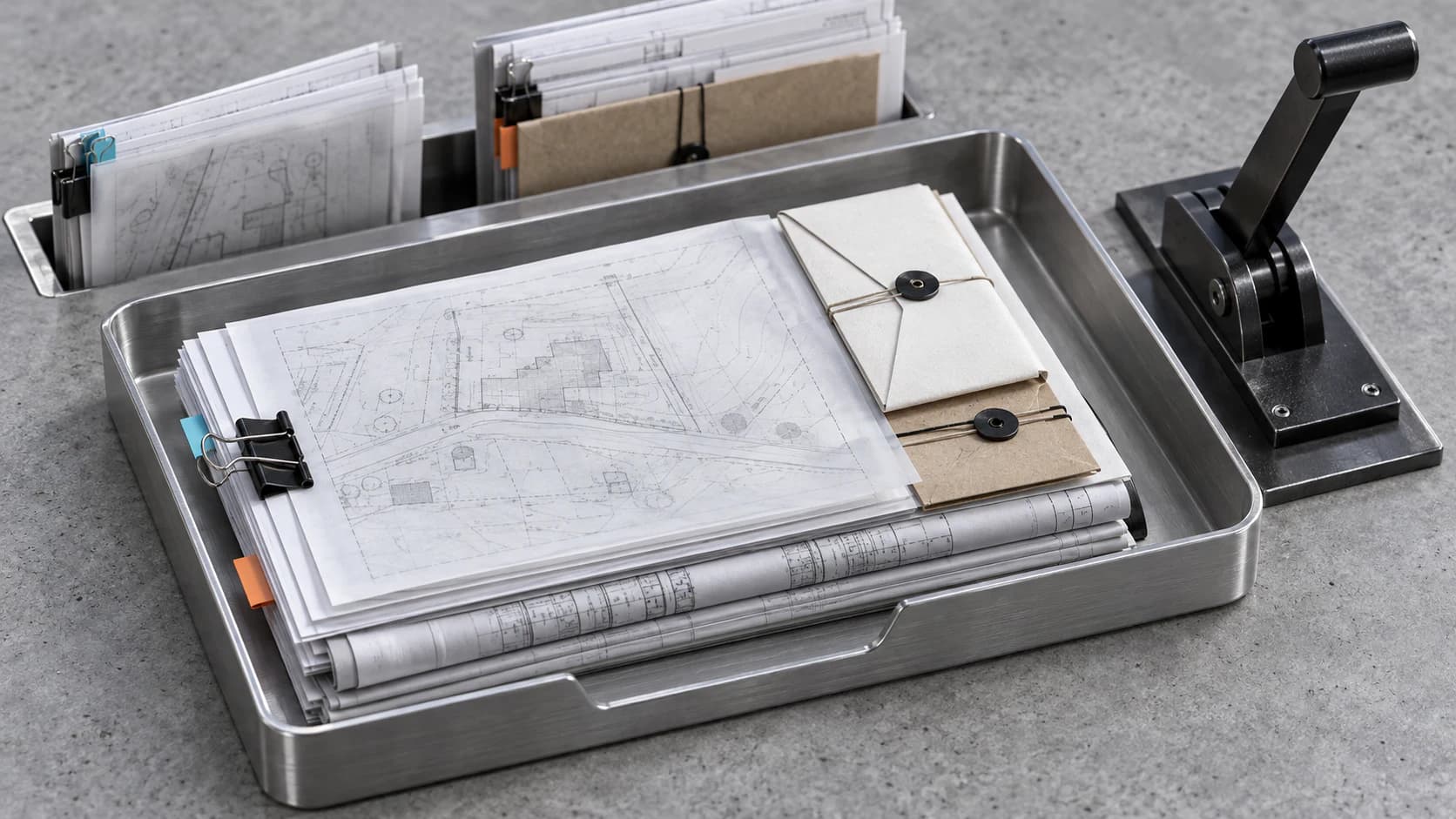
Move approvals forward
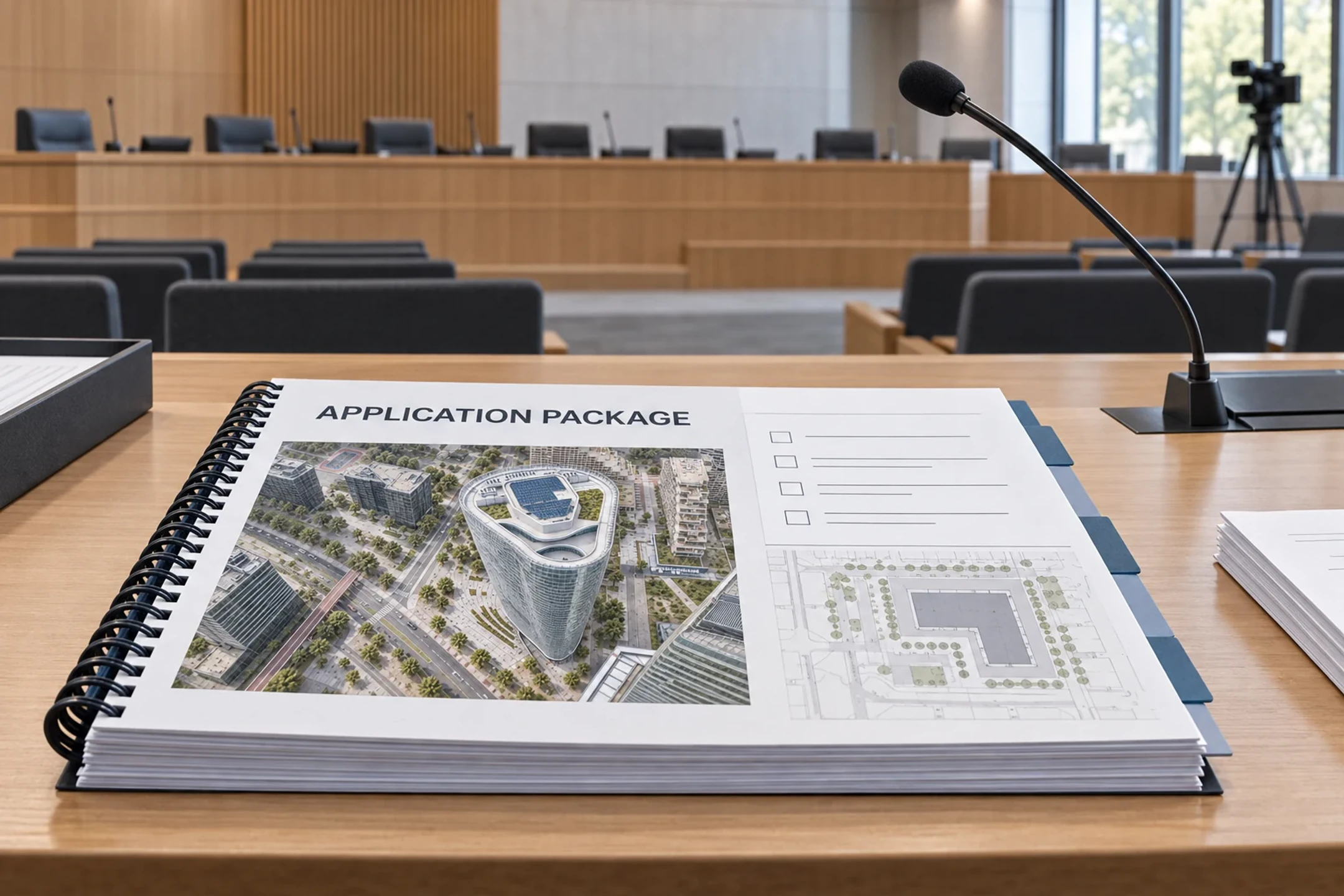
Identify requirements, draft applications, assemble review packages, and preserve submission and response records.
Move routine approval work forward without losing oversight.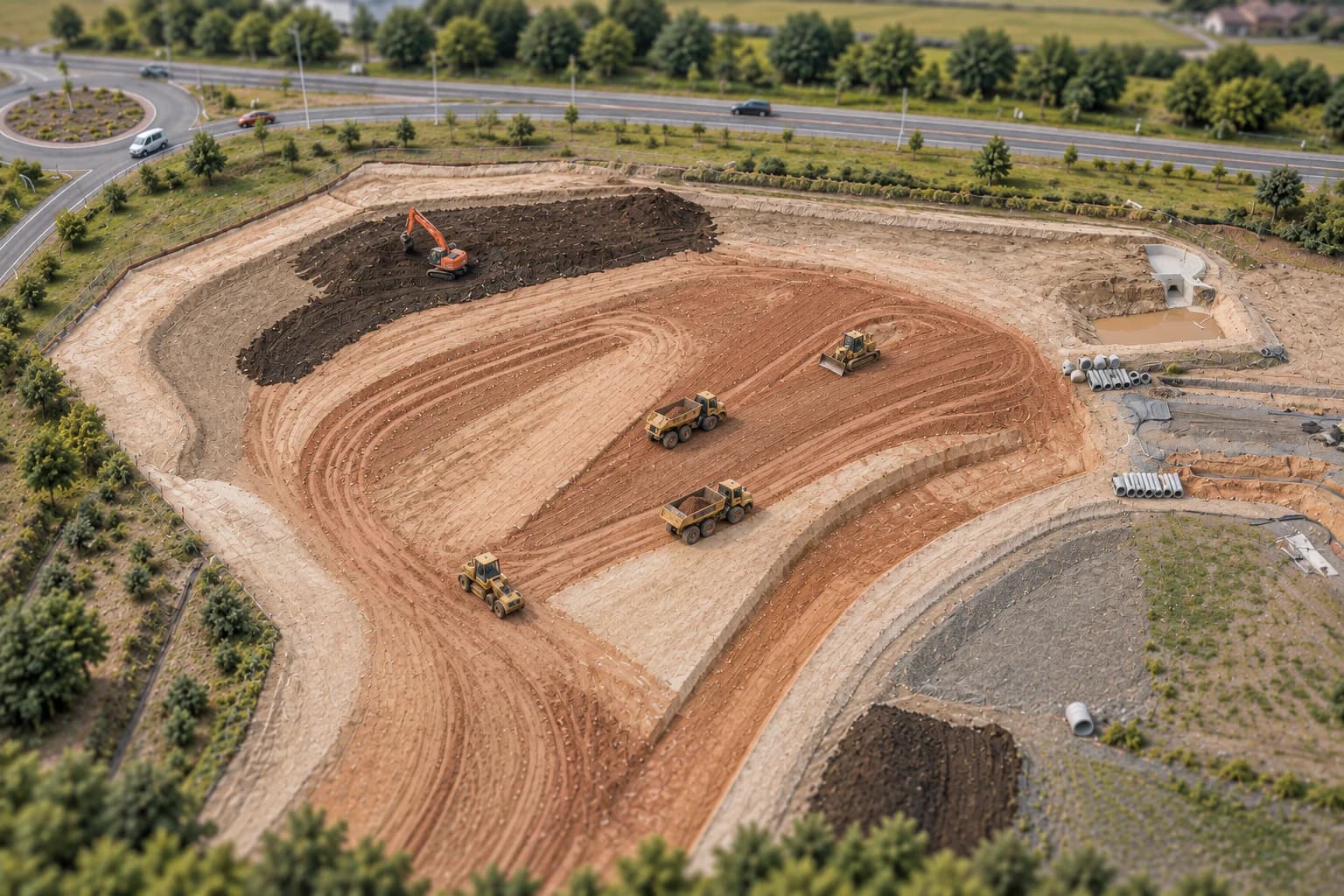
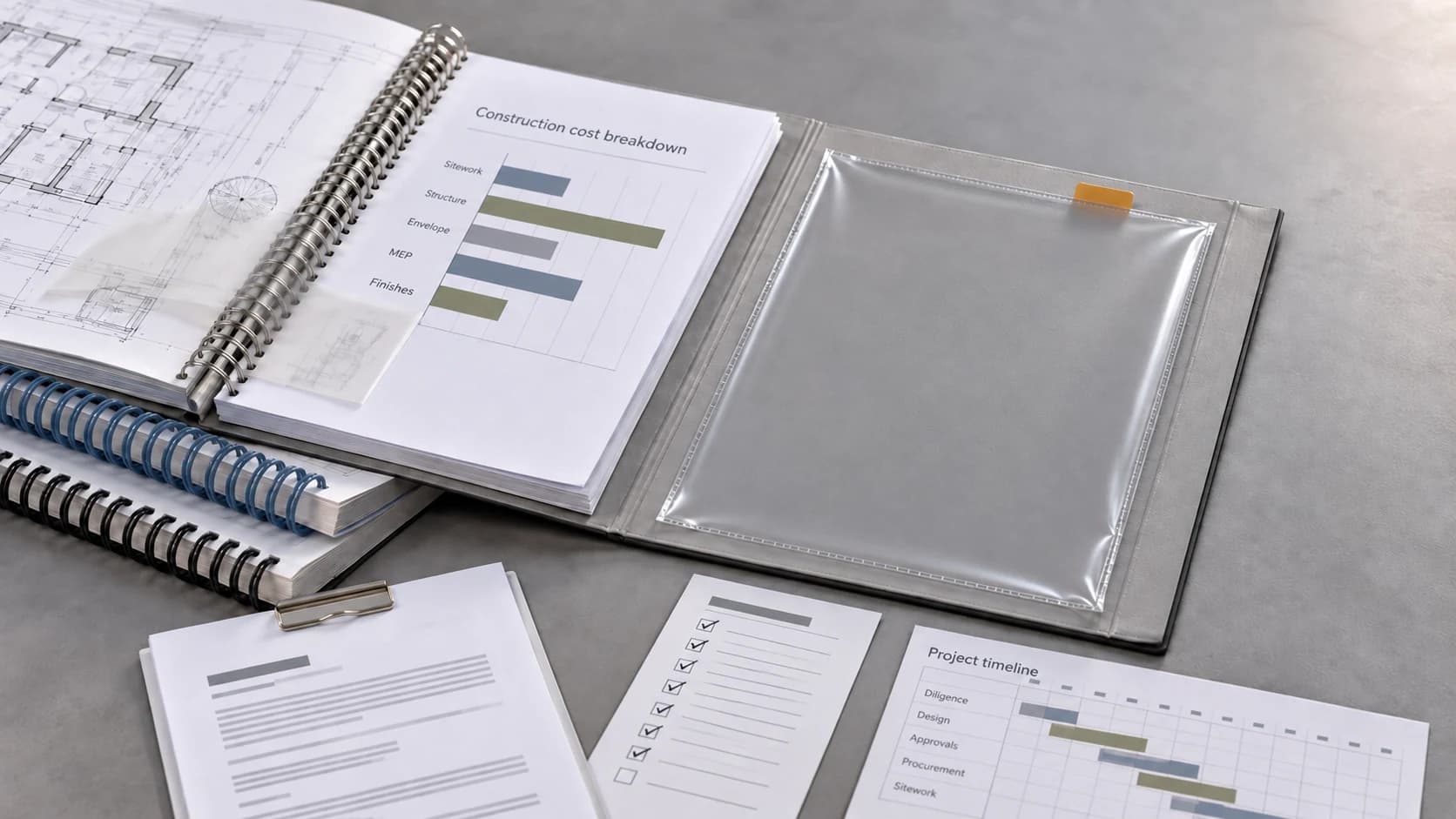
Get ready to start
Coordinate people and deadlines, track outstanding conditions, and see what remains before construction can begin.
Know what is complete and what still stands between the project and construction.Evaluate the site
Connect inbox-driven work to the governed project record.
Prepare routine research, drafting, information requests, and follow-up. Keep outstanding work visible and return decisions that need judgment to the right people.
Example: an application is waiting on a consultant’s report.
Request the report, follow up, and show the effect on the planned submission date.
From missing input to review-ready package.
- Request the report
- Contact the responsible consultant with the project context and due date attached.
- Keep following up
- Track the outstanding input, prepare an authorized reminder, and preserve provider delivery evidence when it is sent.
- Update the schedule
- Show the effect on the planned submission date while the report is still outstanding.
- Refresh the package
- Add the report to the current draft as soon as it arrives.
- Route the review
- Place the updated package with the responsible people for review and approval.
Your team can see the outstanding report, its owner, and what the current package still needs before submission preparation is complete.
See how the work connects from first look to construction readiness.
Research the site, test the plan, compare the options, prepare the approvals, and keep the work moving in one connected system.
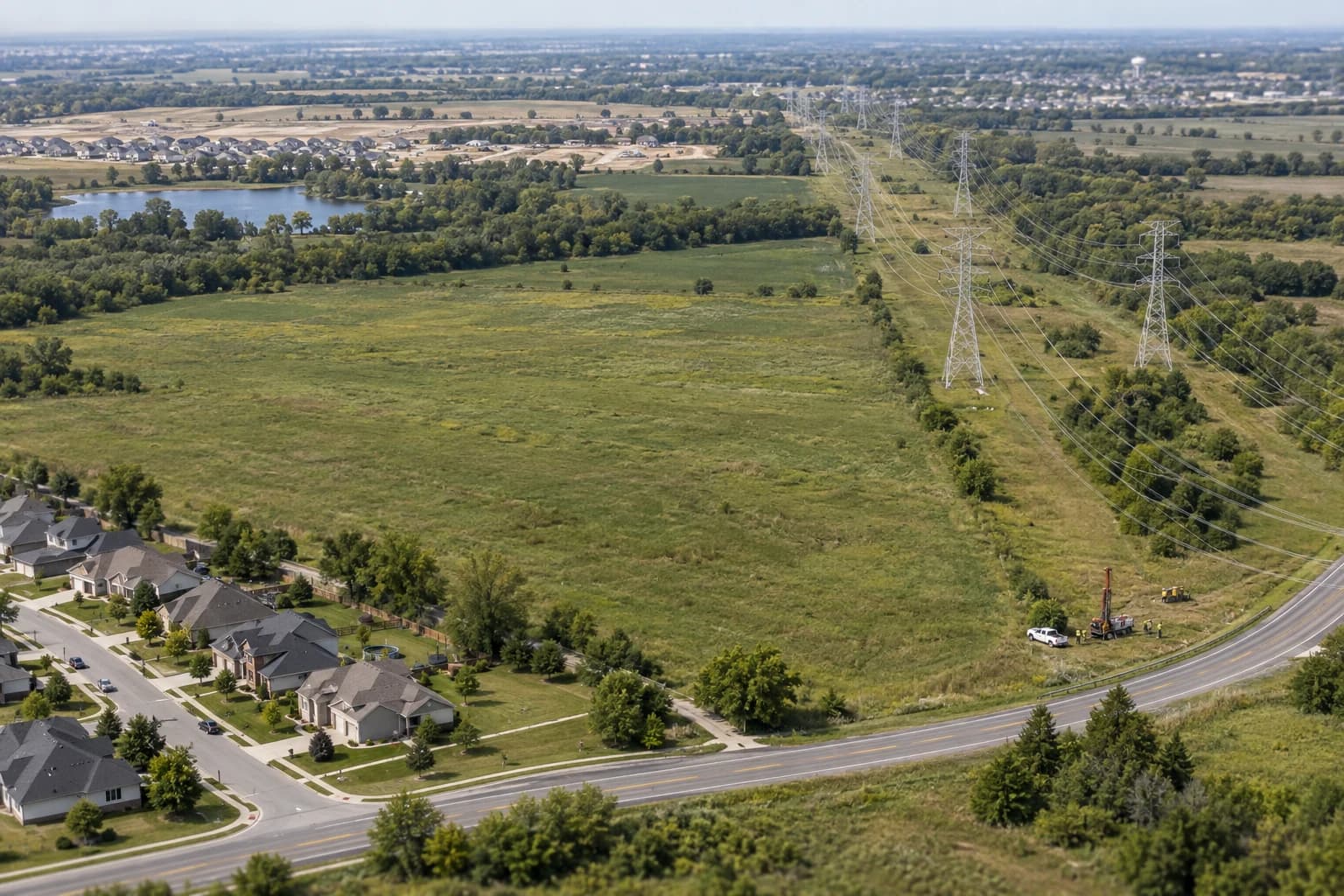
Research the site, test what it can support, and account for the approvals, infrastructure, cost, and return requirements that determine whether the plan works.
Find material constraints before committing more time or money.- Site evaluation
- Development feasibility
- Cost and return testing
See the effect of one change across the whole project.
A utility response can change feasible yield, site design, cost, approval scope, and timing. Connect the finding to every affected assumption, then bring the decisions and authorized follow-up back to the right people.
- Verify
Record the provider response, source, date, and limits.
- Assess
Connect the capacity finding to demand and required off-site work.
- Update
Recalculate the affected program, cost, approval path, and schedule.
- Decide
Show the tradeoff and the project decisions that now need attention.
- Advance
Carry the authorized direction into the current plan and documents.
Focus the team on the work that needs its judgment.
Move routine research, drafting, information requests, and follow-up forward while material decisions return to the responsible people.
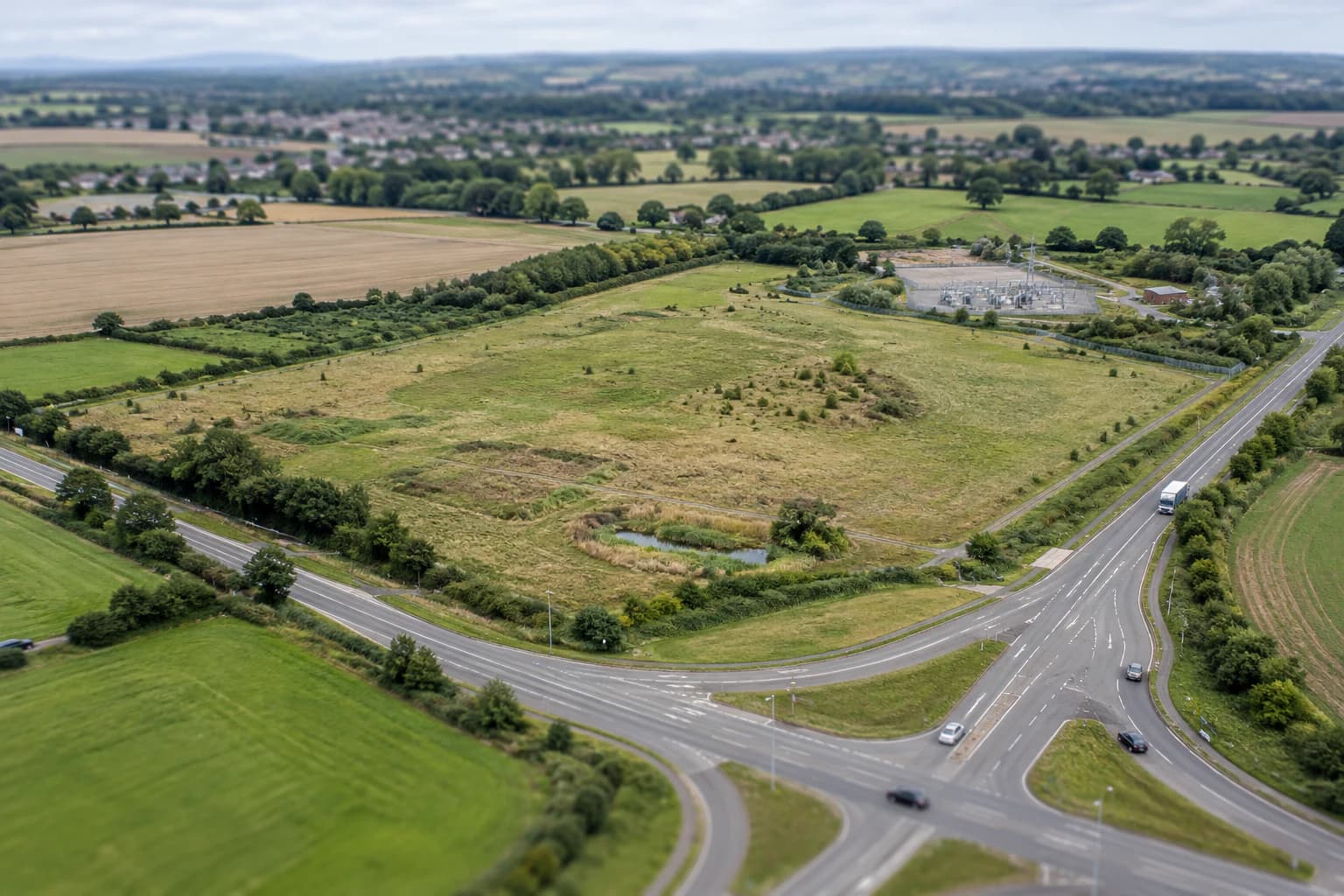
Evaluate the site
Research zoning, access, utilities, environmental conditions, and market context before committing more time or money.
Explore site evaluation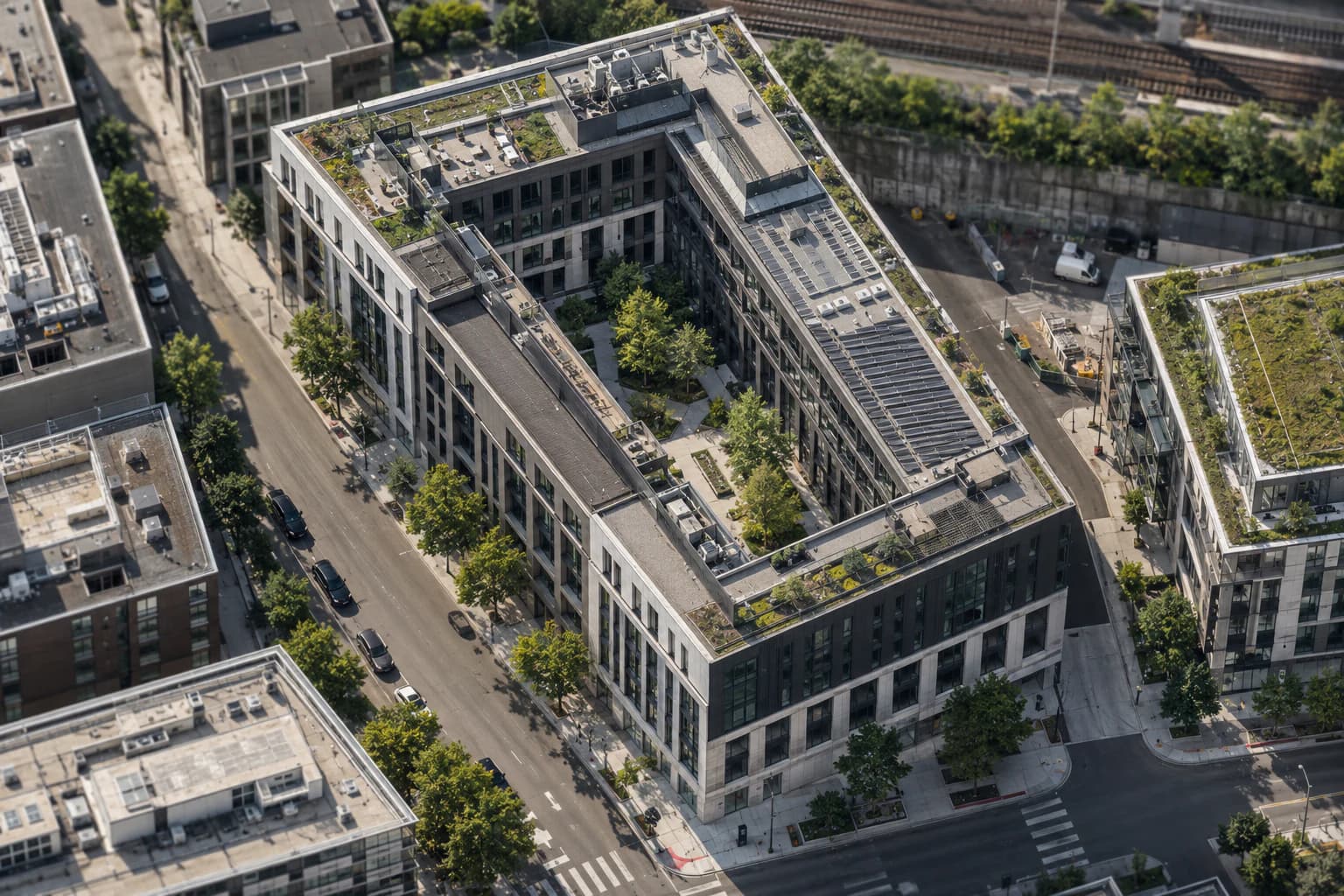
Compare development options
See how changes in use, size, design, and phasing affect cost, returns, approvals, and timing.
Explore scenariosGet ready to start
Coordinate people and deadlines, track outstanding conditions, and see what remains before construction can begin.
Explore readinessKnow where answers come from and control what happens next.
Combine local records and requirements with your project’s plans, studies, correspondence, and decisions. Findings stay connected to their sources, and unanswered questions stay visible.
Source
Keep the public record, project document, study, or consultant response attached.
Fact
Distinguish a verified condition from an assumption, conflict, or unanswered question.
Impact
Show which design, cost, approval, schedule, or financing decision the condition affects.
Decision
Record the selected direction, its basis, and the people accountable for it.
Action
Move only authorized work forward and return the result to the project record.